This article describes a setup-based solution for emailing reports with additional attachments from D365FO. We will show a step-by-step configuration which enables you to email an invoice with Terms & Conditions and product specification as additional attachments from D365FO. Before writing this post, I tried […]
Tag: Full Edition (78)
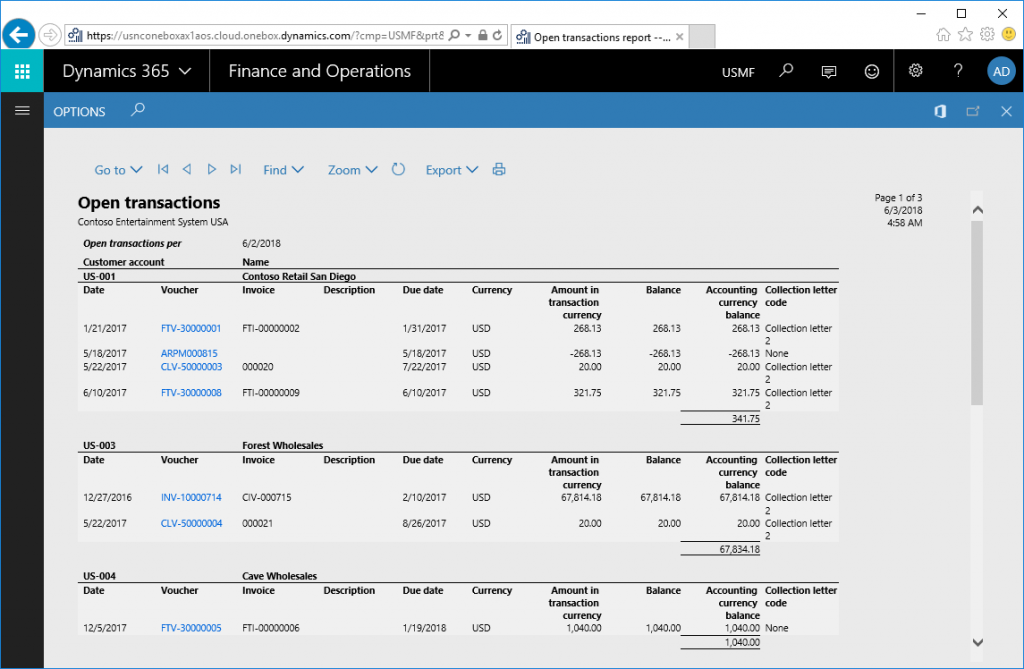
Deep links (aka drill-through links) in SSRS reports in Dynamics 365 for Finance and Operations
You can enable deep links (aka drill-through links) in SSRS reports in Dynamics 365 for Finance and Operations by setting the Action property on the wanted textbox to Go to URL and then to specify the expression for URL using the following utility method:
|
1 2 3 |
=Microsoft.Dynamics.Framework.Reports.BuiltInMethods.GenerateDrillThroughLink( Parameters!AX_ReportContext.Value, Parameters!AX_UserContext.Value, "[MenuItemName]", "[MenuItemType]", "[TableName]", "{Arguments}") |
[…]
Adding Remit-to address to a report data source
A remit address is used as a unique destination address to receive payment (e.g. a check) for a bill or invoice. This is used so payments can be processed more quickly than if it were sent to the general mail address of the company. In […]
Tags: Attachments, D365FO, Emailing, Full Edition, Invoice, Print destinations