
 Tags: Batch, D365FO, Emailing, X++
Introduction
Batch job retries in Dynamics 365 Finance and Operations can mitigate some errors that can occur at batch job execution, but only for batch jobs that can handle repetitions.
For batch jobs that also perform activities outside the database (e.g., send email or call an external API), this is not acceptable.
Unfortunately, some batch jobs are retriable by default, and the article explains how to solve this.
Batch job retries
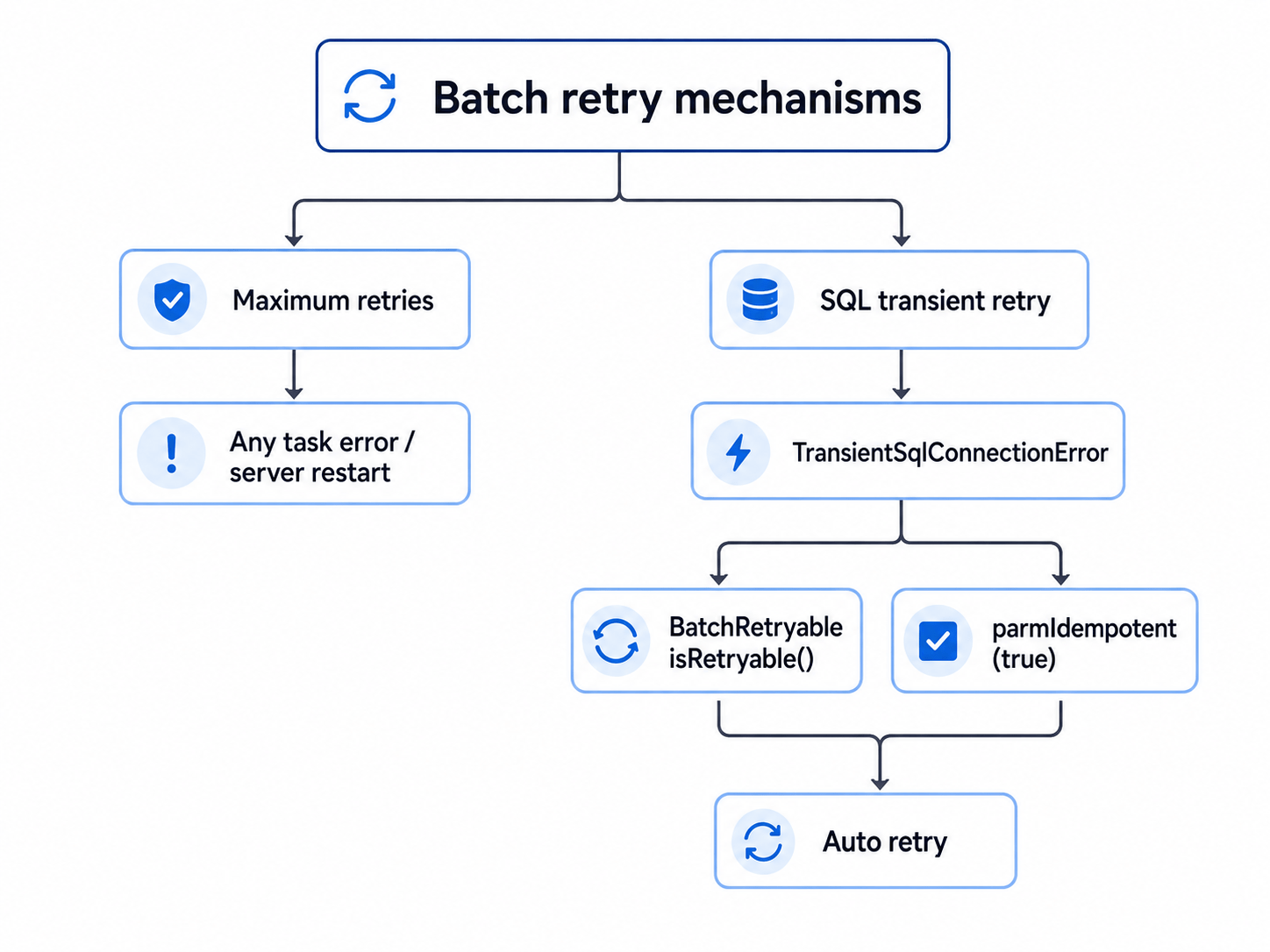
The standard implements two retry mechanisms.
First one is general batch task retries defined by the Maximum retries parameter on batch task. It automatically repeats batch task if the execution ends in Error status.
By default Maximum retries = 5, but you can change it later on the Batch jobs form.
The second retry mechanism is specifically designed for SQL transient errors. If a batch class derived from RunBaseBatch implements isRetryable()=true OR this.batchInfo().parmIdempotent()=true then the batch is rerun after a SQL transient error and it does not increment batch task Actual retries count (used in first mechanism).
Note that the retriable property can also be overridden by admin on Batch class configuration overrides form for specific classes.
Motivation
The article will focus just on the first (general) retry mechanism.
There are many batch jobs for which default the Maximum retries = 5 is unacceptable and changing it manually is impractical as the batch job is started immediately after its creation.
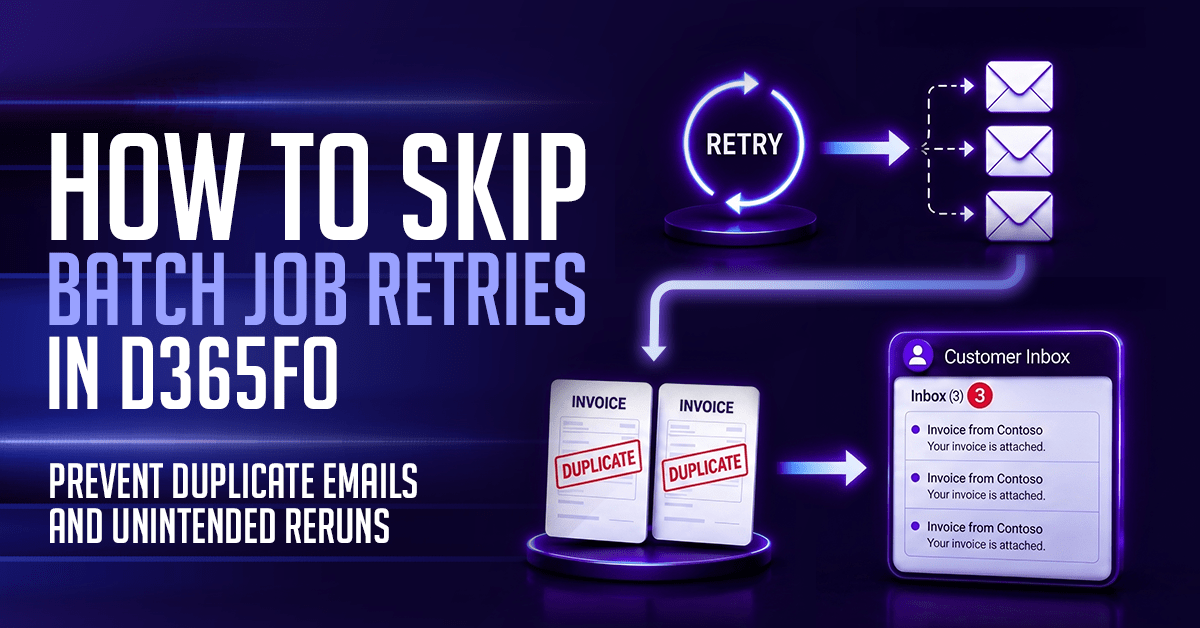
One example is bulk posting of sales invoices (or any other documents) and emailing invoice documents to the customers.
If some data driven error occurs in the process the whole posting is aborted and database changes are rolled back.
However, the emails that have already been sent to some customers cannot be unsent.
The system will rerun the whole batch job, probably resulting in the same error, if you have not fixed the data.
As a result some customers will receive the same invoice email multiple times, while others will not get it at all.
Problem solution
The initial system-wide Maximum retries value is set in BatchInfo.new() and applies to all newly created batch tasks. We can extend the method and change the default value. Below code sets Maximum retries (retriesOnFailure) = 0 which means no retries. If you need some use-case specific business logic extend Batch.initValue() or Batch.insert().
|
1 2 3 4 5 6 7 8 9 10 11 12 13 14 15 16 17 18 19 20 21 22 23 24 25 26 27 28 29 30 31 |
[ExtensionOf(classStr(BatchInfo))] final class BatchInfo_BRF_Extension { // Set new default Batch.retriesOnFailure (when batch task is created). // It overrides the value set in Batch.initValue() for all newly created batch tasks. // Skipping retries solves the issue that some report emails are sent to customers multiple // times if an error occurs for other customers. public void new() { // NOTE: Extension constructor does not accept parameters. // Next cannot be called and pre-post event handlers are not supported. // next new(); retriesOnFailure = 0; // BatchInfo::defaultRetriesOnFailure = 5 } } |
After the batch job is created you can always change Maximum retries value manually on the Batch jobs form. It might not be effective at the first run (if batch task is already executing), but it will be at next ones.
Summary
The article explains the different batch retry mechanisms and why default retry policy is often unacceptable. By changing the default Maximum retries value, you can prevent the general batch retry mechanism from automatically repeating non-idempotent operations avoiding duplicate emails, API calls, and similar external side effects.