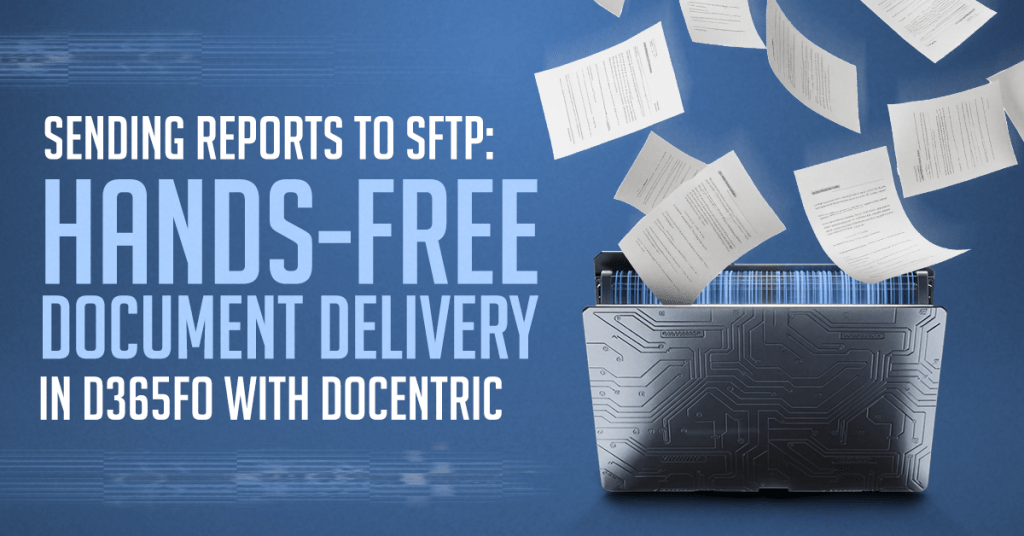
Imagine this: your procurement team creates and confirms a purchase order (PO) in Dynamics 365 F&O (D365FO). As soon as it goes out, the clock starts: the supplier won’t reserve inventory until they’ve acknowledged the PO. Today that often means a PDF is emailed, printed, […]
Tag: Full Edition (65)
Version 3.x Change Log
Version 3.5.0 Change Log ▫Release date: 2025-10-02 ▫(Hotfix 3.5.0.1) Release date: 2025-11-07 NEW FEATURES Print reports from common journals - Free Edition: - Printing reports directly from common journal forms is now supported: >> Print journal: Print a single selected journal interactively, with or without […]
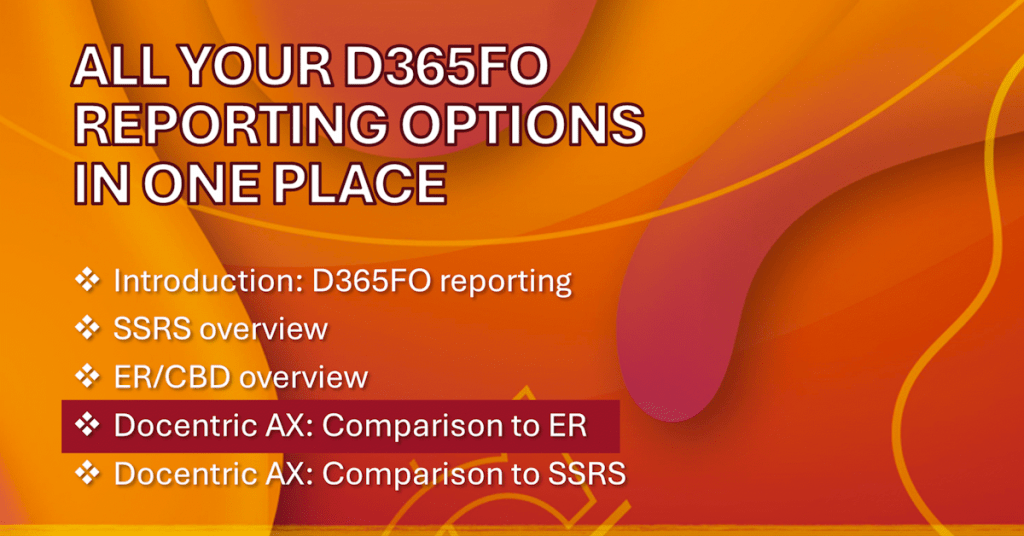
All Your D365FO Reporting Options in One Place: Docentric AX vs. ER
In this part of the All your D365FO Reporting options in one place series, we compare Docentric AX to Electronic Reporting (ER) across 5 core reporting elements: Data Source, Format Design, Document Generation, Document Distribution, Configuration & Management. In the introduction video, we outline how […]
Enhance TAS Reports and Emails in D365FO with Docentric
In this article, we show how to use Docentric AX to customize reports even from third-parties like SKsoft’s Treasury Automation Suite (TAS). SKsoft’s TAS helps you automate bank connectivity, cash management, and payment workflows, giving straight-through processing and real-time visibility across banks and formats. Customizing […]
Email D365FO Invoices and Statements with Finance Agents in Outlook
Finance agents (previously known as Copilot for Finance) are Microsoft’s AI-powered assistants designed to help with financial operations directly within Excel and Outlook to: Excel: Reconcile and match financial data. Outlook: Draft clear, personalized emails and seamlessly attach outstanding invoices or account statements. In this […]
Tags: D365FO, Electronic signature, Full Edition, SharePoint