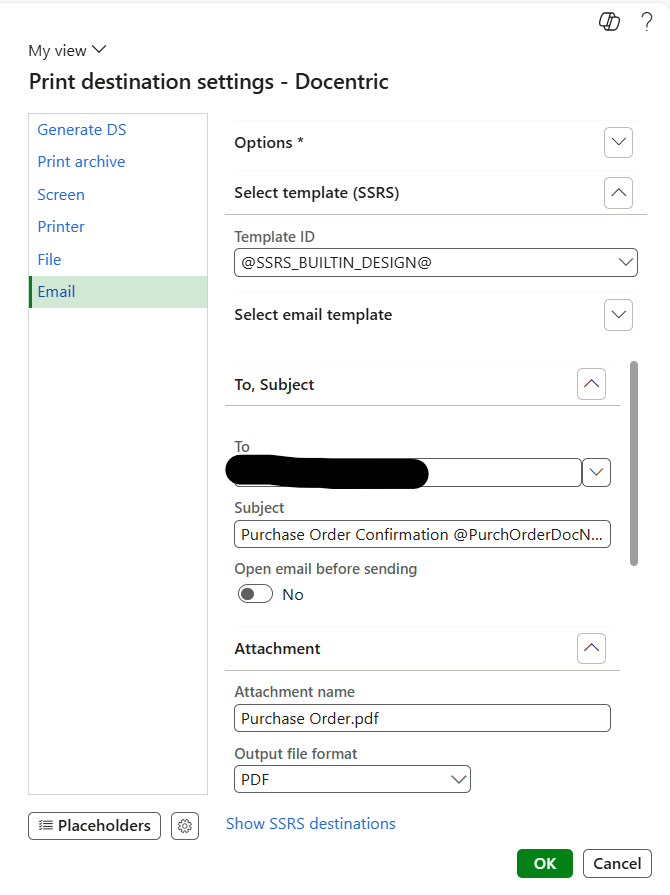
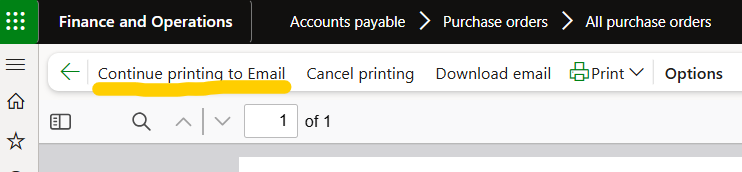
I attempted to add the Purchase Order number field in the email subject (screenshot attached), but the value is not being populated when sending the email.
I used the placeholder @PurchOrderDocNum@ in the subject, but the system does not replace it with the actual PO number. It seems the field is either not recognized or not available as a placeholder.
I have tested this placeholder in my environment, and I was able to get the value inside the Subject line.
One thing to troubleshoot here would be to make sure you are running the correct report by checking the technical name (instructions here).
Please make sure that the report you are configuring the Print Management for is the same report that is actually running.
Also, did you try running the same with different Purchase orders? Does the issue happen on all of them, or only on some of them?
Hi @DalilaI,
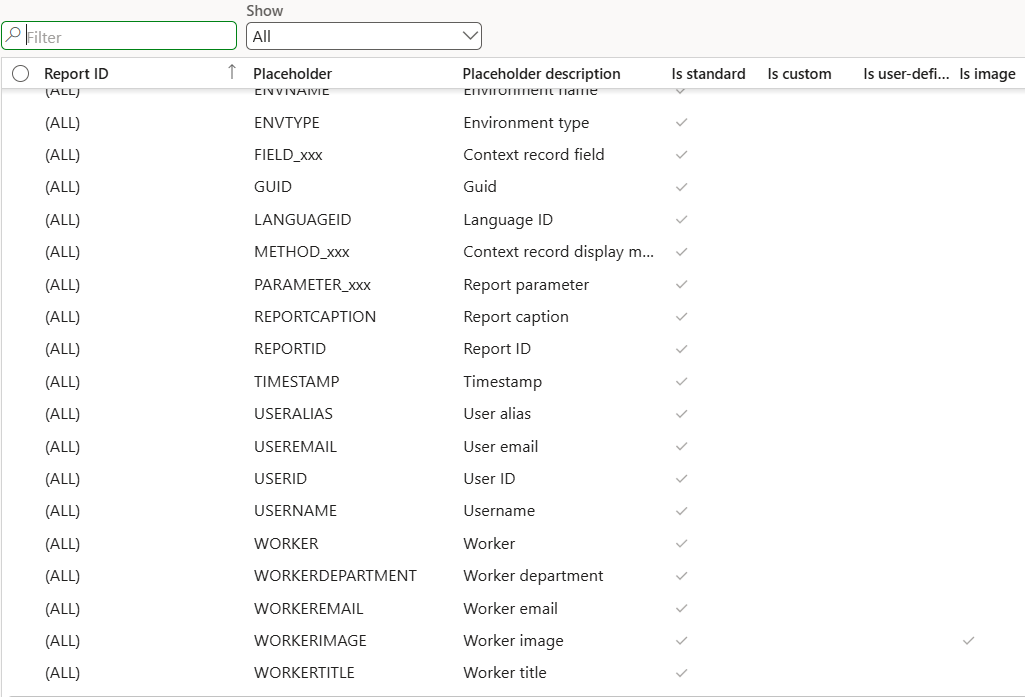
I checked the report name and it is the correct one. I also tried creating an email template with the same placeholder, but the purchase order number is not available in the placeholder list.
Is it possible to create a user-defined placeholder for the PO number, or is there any way to populate the purchase order number in the email subject without doing a customization?
You can create User-defined placeholder in the FO environment using the field that already exists in the data source. Just writing the field that exists in the data source as the placeholder won’t work as you need to define it first. You can read about how to set up and use them here: How to Use User-Defined Placeholders - Docentric AX.
Docentric also offers a number of custom placeholders for most commonly used reports in report specific DSP classes. These classes are available in Docentric AX SSRS Replicas model. You can use these placeholders even with free edition.