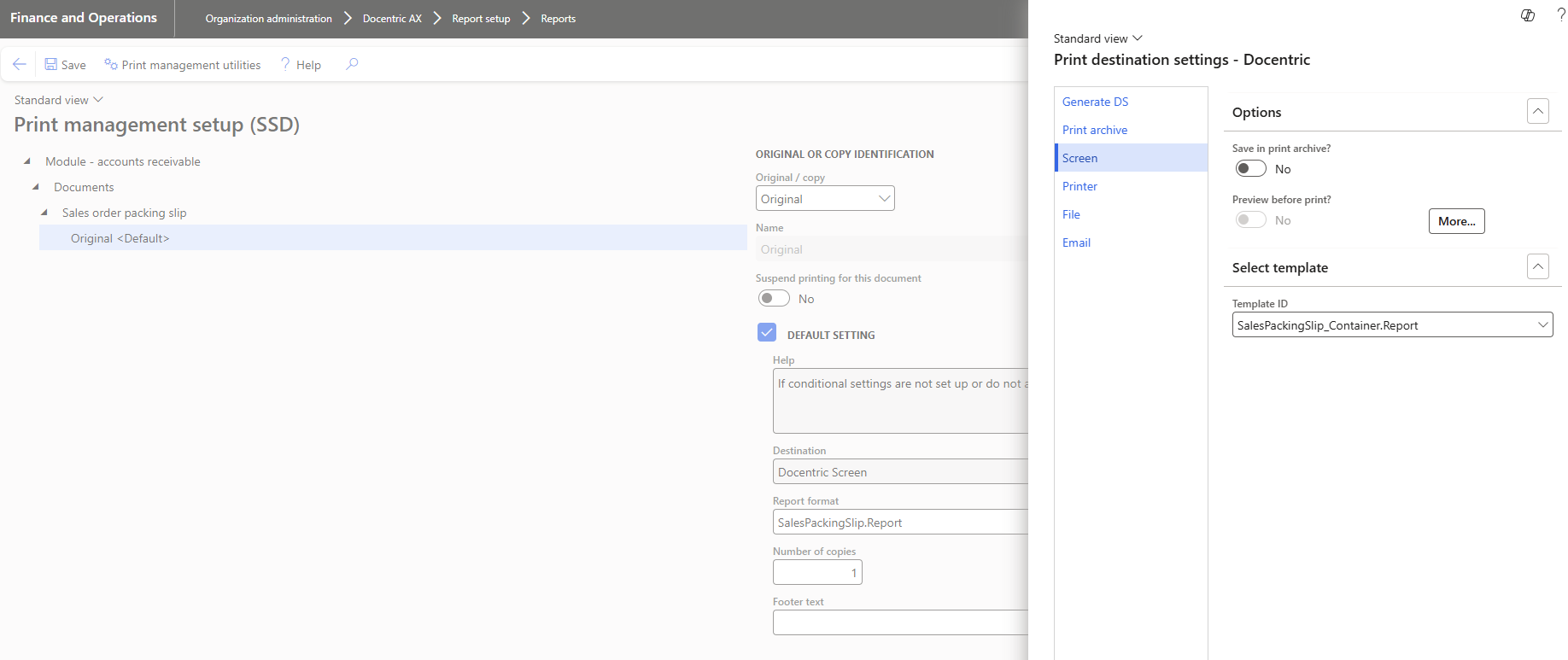
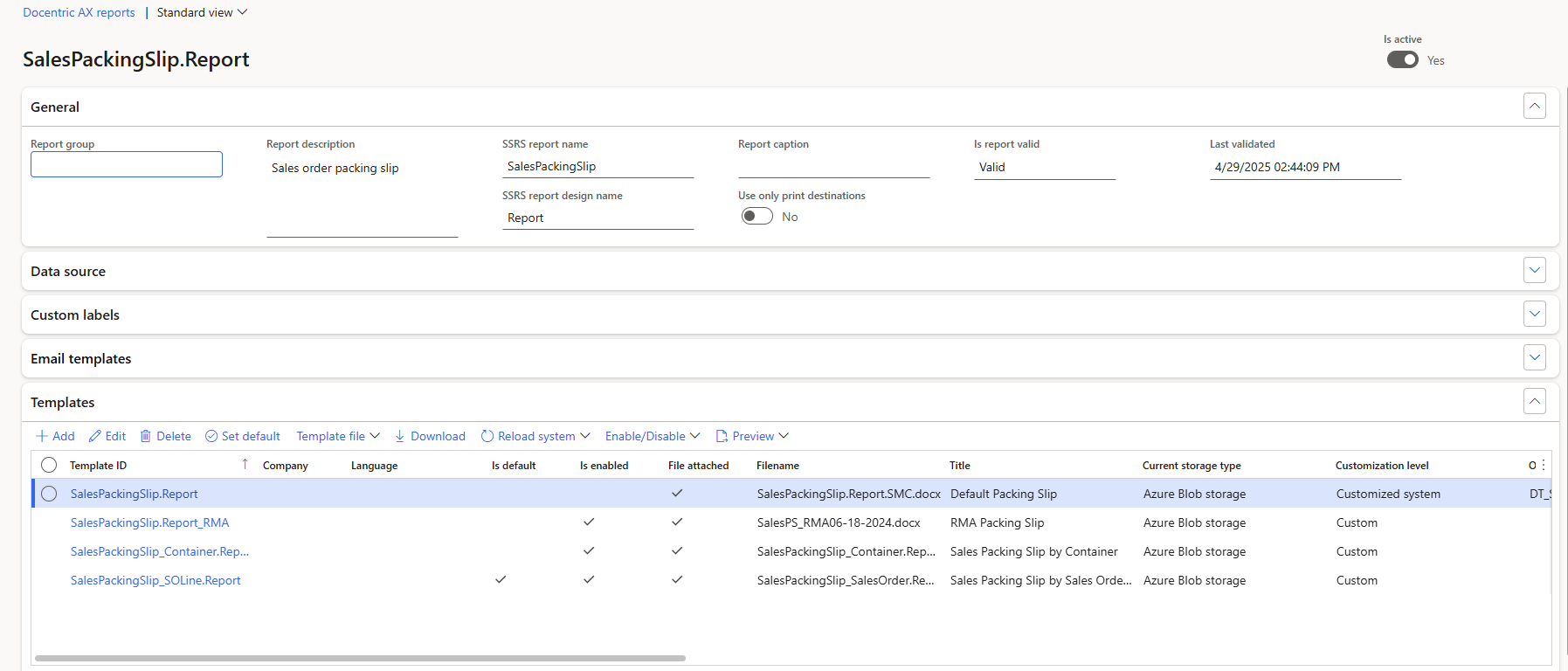
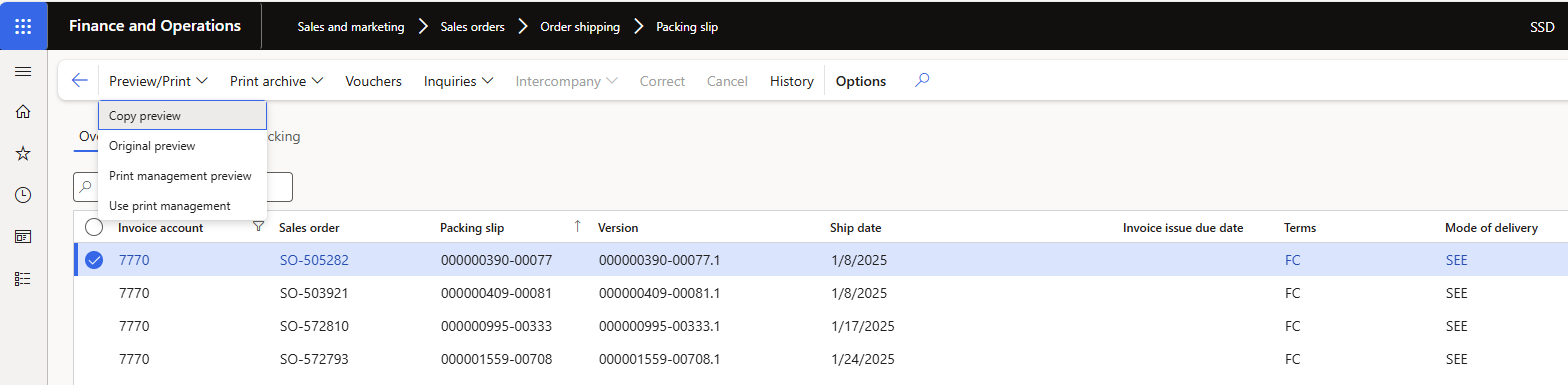
It ignores my Print Management settings, and still uses whatever the initial default template is set to. We’ve tested this successfully in a different environment, is there something I need to do initially to get this report to use the Pring Management settings?
It might also be worth checking if there are any Print management overrides.
Sometimes everything looks correct at the module level, but there may be account-level or transaction-level overrides that change the behavior. When such overrides exist, they take priority and can cause unexpected results.
For example, a report may be configured to email by default, but an override somewhere could change it to print or use another format.
You can review this article which explains how to check for these overrides and how to identify them:
The article also shows how to use Docentric Print management utilities to list all overrides in one place, which makes troubleshooting much easier.
Sorry for the delayed response, this is part of a larger work item that is still ongoing, but this was the issue. I didn’t know, but we had started emailing copies of the packing slip to some customers, and this was set up in the Print Management settings on the CUSTOMER, which was overriding the Print Management settings on the REPORT. We have moved the email Print Management settings to the REPORT, so that both the printed copies and the emailed copies can BOTH work correctly.
Thank you!