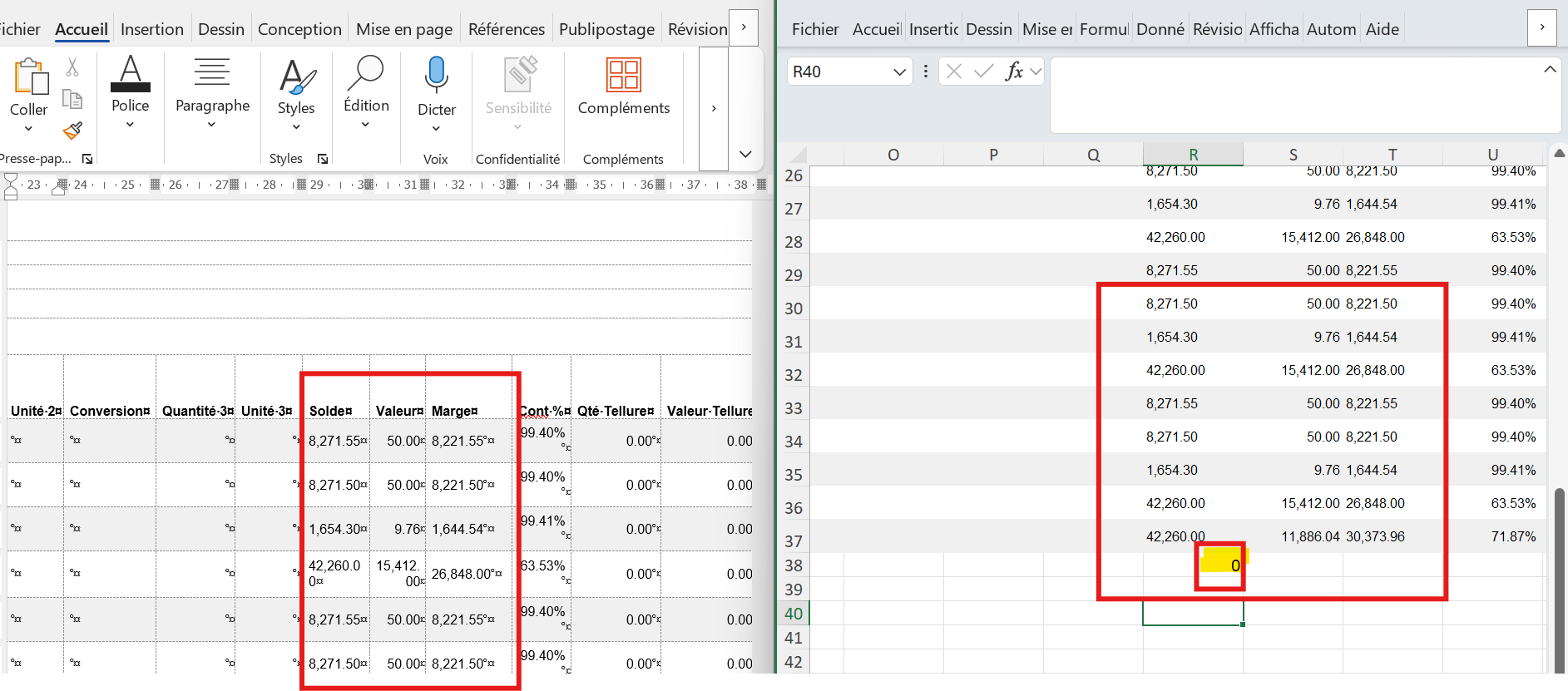
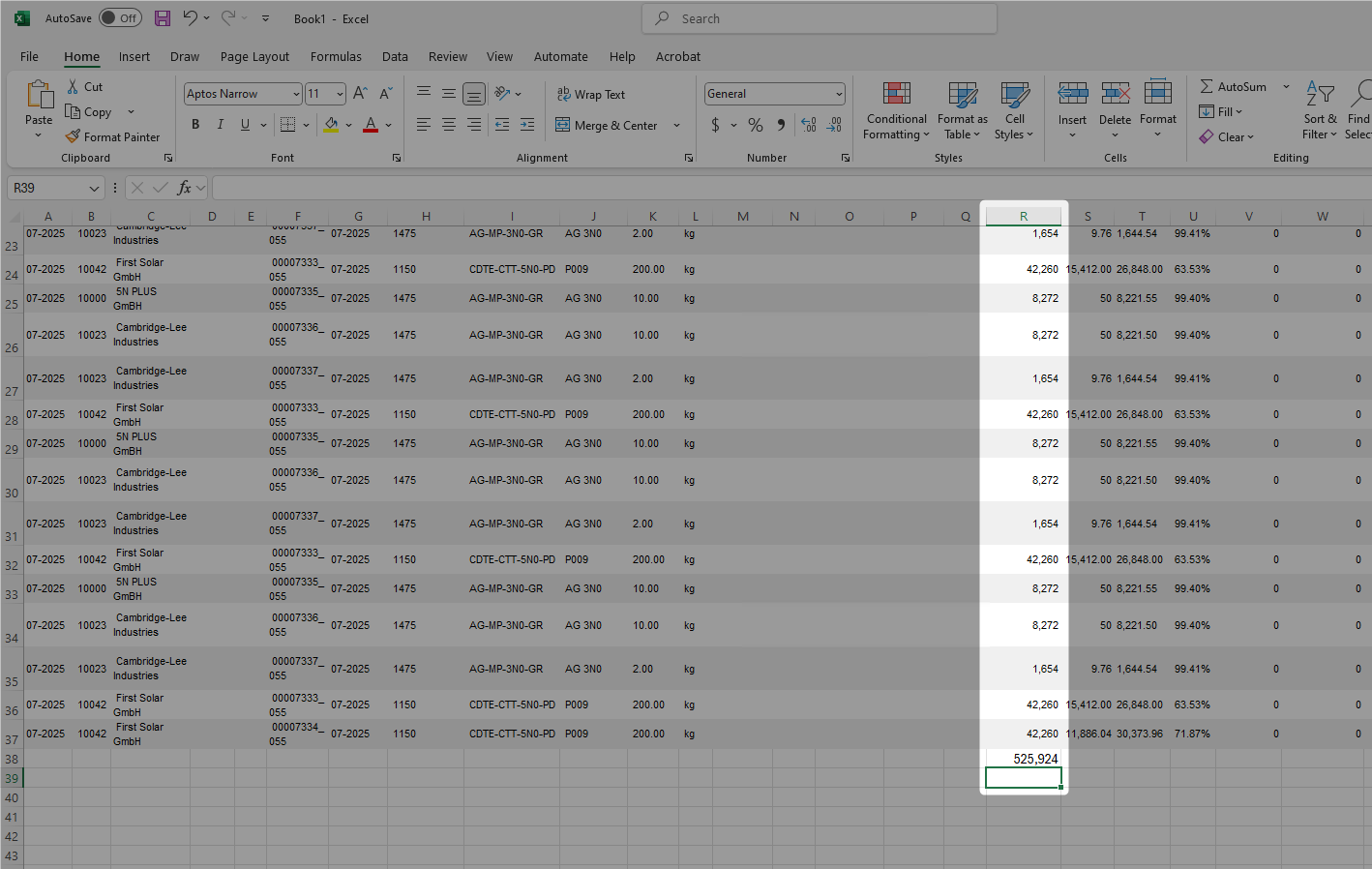
It looks like Excel is not recognising the regional number format that is coming from Word. In your case, the issue is the thousands separator – Word uses a comma (,) and Excel does not automatically interpret it as part of a numeric value.
What you can do is simply remove the comma separator so Excel can treat the values as numbers.
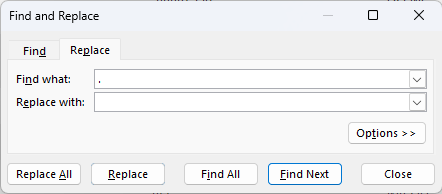
I tested this using Excel’s Replace feature:
Replace , with nothing
Then convert the column to Number format
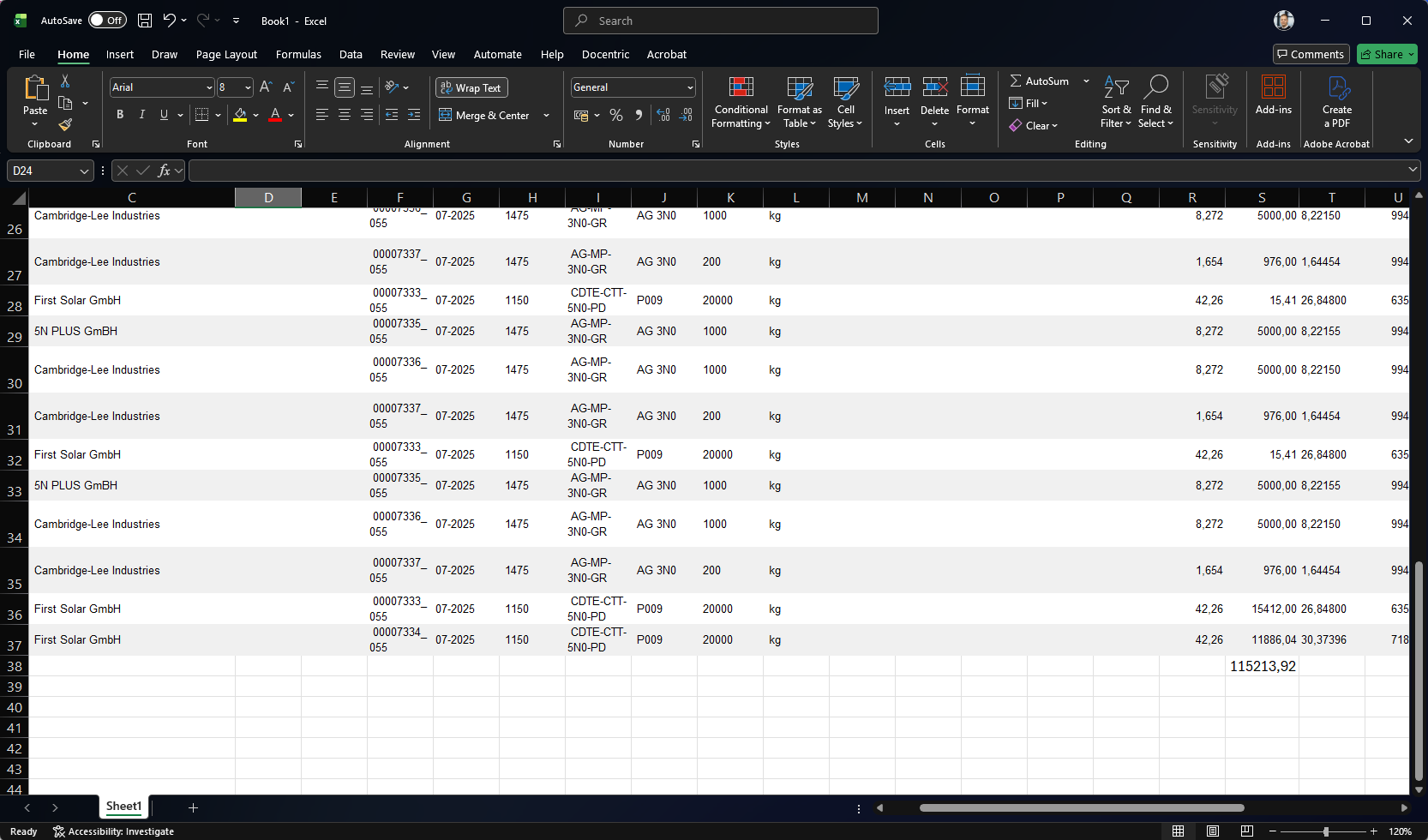
After that, the values were recognised correctly.
I’ve added a couple of screenshots below to show the steps and the result.
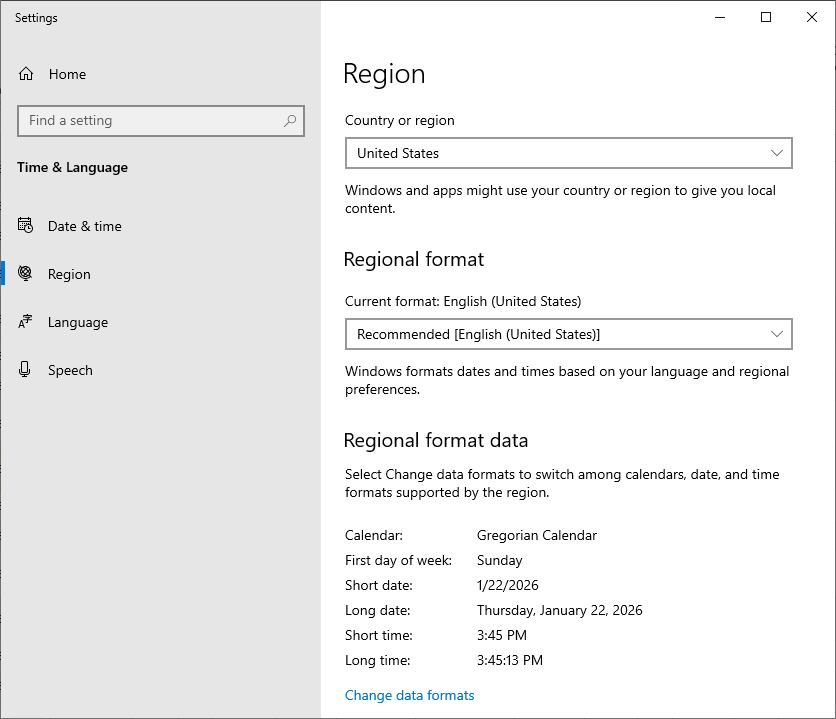
Using the same language and region settings in Excel as you do in the Word output will eliminate the need for any conversion.
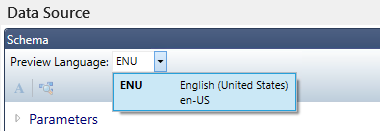
For example, if I run this report in en-US and use the same English (United States) region settings on my computer (which will also apply in Excel), you can simply copy and paste the values and use a function without needing to convert them.
As an example, I have used the English (United States) option to preview your report.