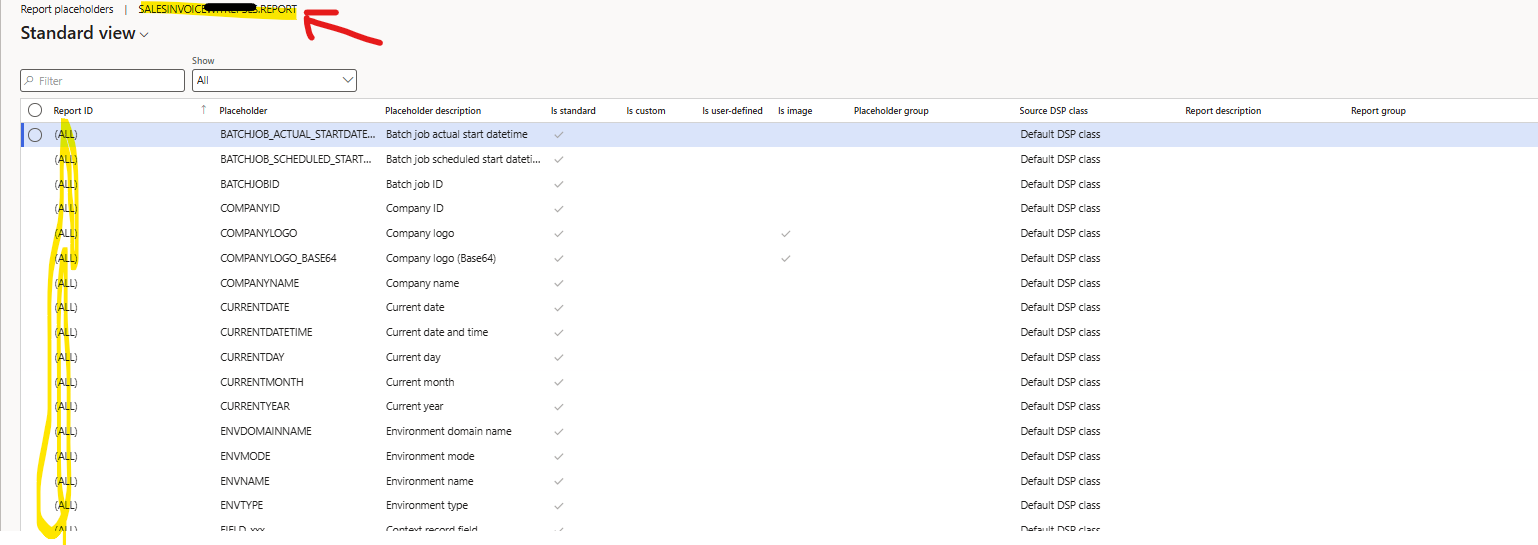
However, in the Print Management settings, we are unable to see the placeholders specific to the Sales Invoice. We can only see the generic placeholders that are available for all reports.
You’ve said that you done all required extended classes. I presume you refer to your custom DSP class that is extending our report-specific DSP class. Once you have a custom DSP class you need to select it in the report setup of your custom SSRS report that is registered with Docentric.
Just to clarify, I extended the Data Provider (DP) class, not the Docentric DSP class.
We are using a standard SSRS report and only the free version of Docentric for Print Management but I don’t see the Sales Invoice-specific placeholders.
Now I understand, thank you for the clarification.
Custom placeholders are coming from our report-specific DSP classes that are located in Docentric AX SSRS Replicas model. Good news is that you can also use it with free version. First install the Docentric AX SSRS Replicas model, then select the report specific DSP class in the report setup for the report in question. To keep using SSRS report design, enable the flag Use only print destinations in the report setup as well.
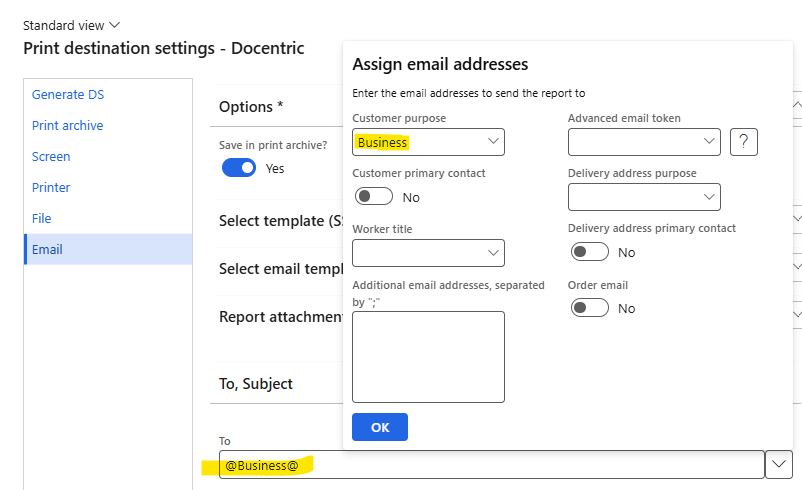
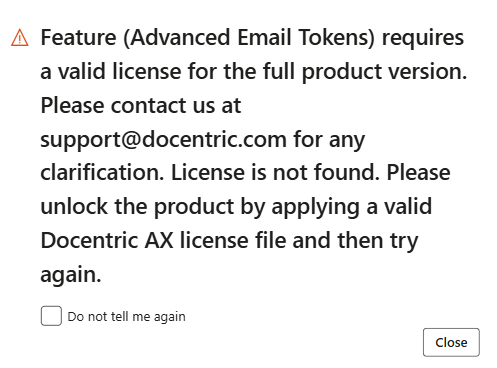
That is only a notification informing you that you will not be able to use Advanced Email Tokens. Just select the option “Do not tell me again” below and you are good to go. This does not affect or check anything related to standard email tokens, it is only an informational notification.